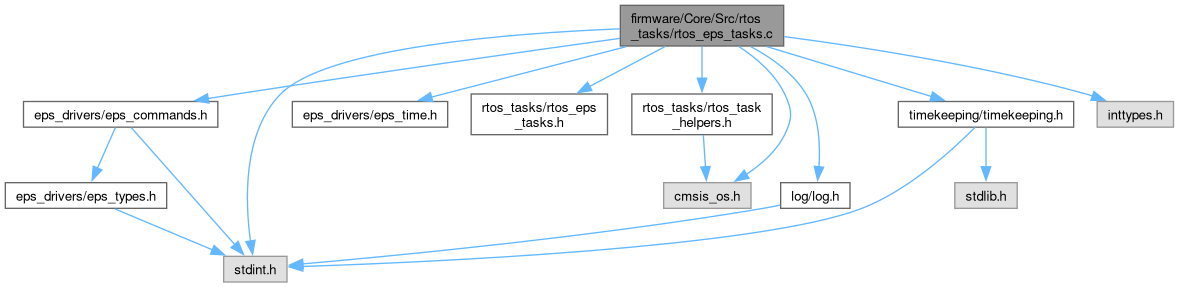
#include "eps_drivers/eps_commands.h"#include "eps_drivers/eps_time.h"#include "rtos_tasks/rtos_eps_tasks.h"#include "rtos_tasks/rtos_task_helpers.h"#include "log/log.h"#include "timekeeping/timekeeping.h"#include "cmsis_os.h"#include <inttypes.h>#include <stdint.h>
Include dependency graph for rtos_eps_tasks.c:
Functions | |
| void | TASK_service_eps_watchdog (void *argument) |
| periodically sends a command to the eps to reset the watchdog timer | |
| void | TASK_time_sync (void *argument) |
Variables | |
| uint32_t | EPS_time_sync_period_ms = 5000 |
Function Documentation
◆ TASK_service_eps_watchdog()
| void TASK_service_eps_watchdog | ( | void * | argument | ) |
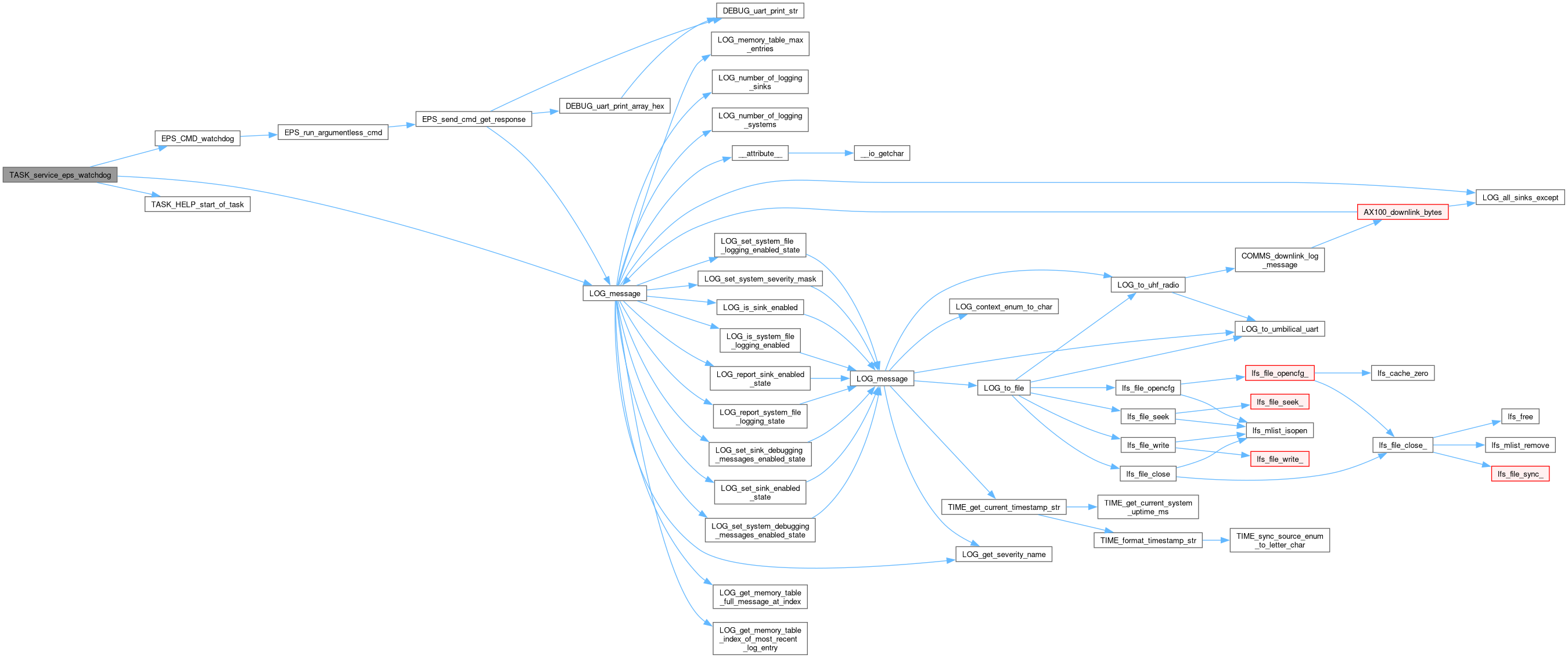
periodically sends a command to the eps to reset the watchdog timer
- Note
- The eps has two watchdog timers: The "watchdog reset" and the "peripheral reset". The "watchdog reset" resets the entire eps system when TTC_WDG_TIMEOUT (default 300s, see ISIS.EPS2.ICD.SW.IVID.7 pg. 85) seconds pass without a command being received. The "peripheral reset" resets the communication peripheral on the eps's mcu after 0.65 * TTC_WDG_TIMEOUT seconds. The "peripheral reset" allows for more graceful resets if the eps's communication peripheral was responsible for loss of connection.
Here is the call graph for this function:
Here is the caller graph for this function:

◆ TASK_time_sync()
| void TASK_time_sync | ( | void * | argument | ) |
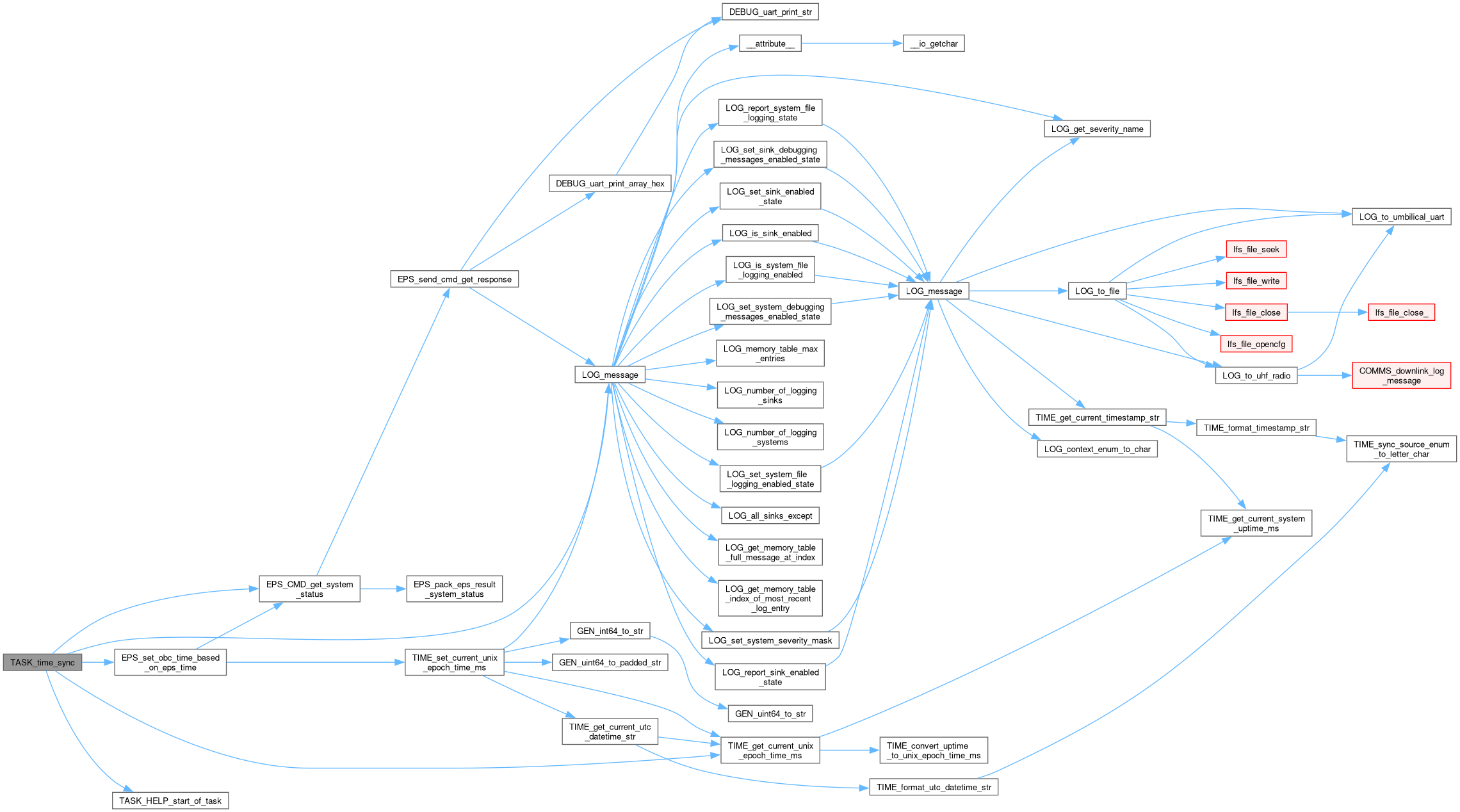
On boot, this thread sets the OBC time to the value of the EPS time. After that, it periodically checks the OBC time against the EPS time and logs when they diverge by more than 10 seconds.
Here is the call graph for this function:
Here is the caller graph for this function:

Variable Documentation
◆ EPS_time_sync_period_ms
| uint32_t EPS_time_sync_period_ms = 5000 |
How frequently to check the OBC time vs. the EPS time and log a warning during operation. Run on boot after 5000ms, but only run every 45 seconds in normal operation. This configuration variable is automatically set to 10 minutes after a successful sync.
Generated by
 1.16.1